
Crypto Wallet Recommender
Which wallet is right for you?
Based on your usage patterns and security needs, this tool will recommend the most appropriate wallet type. Remember: "Not your keys, not your coins" and never store recovery phrases in digital formats.
When you buy cryptocurrency, you don’t actually store coins in a digital box. What you’re really storing is a private key - a secret code that proves you own your crypto. Without it, you can’t send, spend, or access your assets. That’s where crypto wallets come in. They’re not vaults. They’re more like digital keys that let you interact with blockchains. And not all wallets are made the same. Some are easy to use but risky. Others are secure but clunky. Choosing the wrong one could cost you everything.
Hot Wallets: Fast, Convenient, and Risky
Hot wallets are always online. That means you can send crypto in seconds, connect to DeFi apps, trade NFTs, or pay for goods with a tap. But being connected to the internet also makes them targets. If your phone gets hacked, your browser extension gets compromised, or you click a phishing link, your keys can be stolen in minutes. Popular hot wallets include MetaMask, Trust Wallet, and Coinbase Wallet. MetaMask, for example, runs as a browser extension on Chrome, Firefox, and Edge. It supports over 1,200 tokens across Ethereum, Polygon, and Avalanche. It’s the go-to for anyone using Uniswap, Aave, or OpenSea. In fact, MetaMask handles over 2.1 million daily transactions on Ethereum-based apps. That’s convenience at scale. But here’s the catch: in 2024, $2.7 billion was stolen from hot wallets, according to CipherTrace. Most of those losses came from browser extensions with poor security or users who didn’t verify website URLs. A fake Uniswap page can look identical to the real one. If you sign a transaction there, your funds are gone. Mobile wallets like Trust Wallet (owned by Binance) are slightly safer because they’re app-based, not browser-based. But they still rely on your phone’s security. If your device is jailbroken or infected with malware, your crypto is exposed. These wallets are great for small amounts you use daily - like $50 for gas fees or swapping tokens. But keep your life savings here? That’s asking for trouble.Cold Wallets: Offline Storage for Long-Term Holding
Cold wallets are offline. No internet connection. No remote access. That’s the whole point. They’re designed to keep your crypto safe from hackers, malware, and phishing attacks. The most common type? Hardware wallets. But not all cold wallets are hardware - some are paper wallets or USB drives with keys stored manually. Hardware wallets are the gold standard because they combine security with usability. Ledger and Trezor are the two biggest names. Ledger’s Nano X, released in 2019, costs $149 and supports over 5,500 cryptocurrencies. It has Bluetooth, a touchscreen, and a secure chip certified to military-grade standards (CC EAL6+). Trezor Model One, at $49, supports around 1,000 coins. It’s simpler, no touchscreen, no Bluetooth - but still secure because it never exposes your private key to your computer or phone. Here’s how it works: you plug the device into your computer, open the wallet app, and approve transactions on the device’s screen. Even if your laptop is infected, the hacker can’t steal your keys because the signing happens inside the hardware. That’s why, in 2024, only $147 million was stolen from hardware wallets - less than 6% of the losses from hot wallets. Cold wallets aren’t perfect. Setting one up takes time. You have to write down a 12- or 24-word recovery phrase and store it somewhere safe. Lose it, and your crypto is gone forever. No customer service can recover it. That’s why 28% of Ledger Nano S Plus users on Amazon reported struggling with the seed phrase setup. One user said it took him 45 minutes just to verify the words correctly.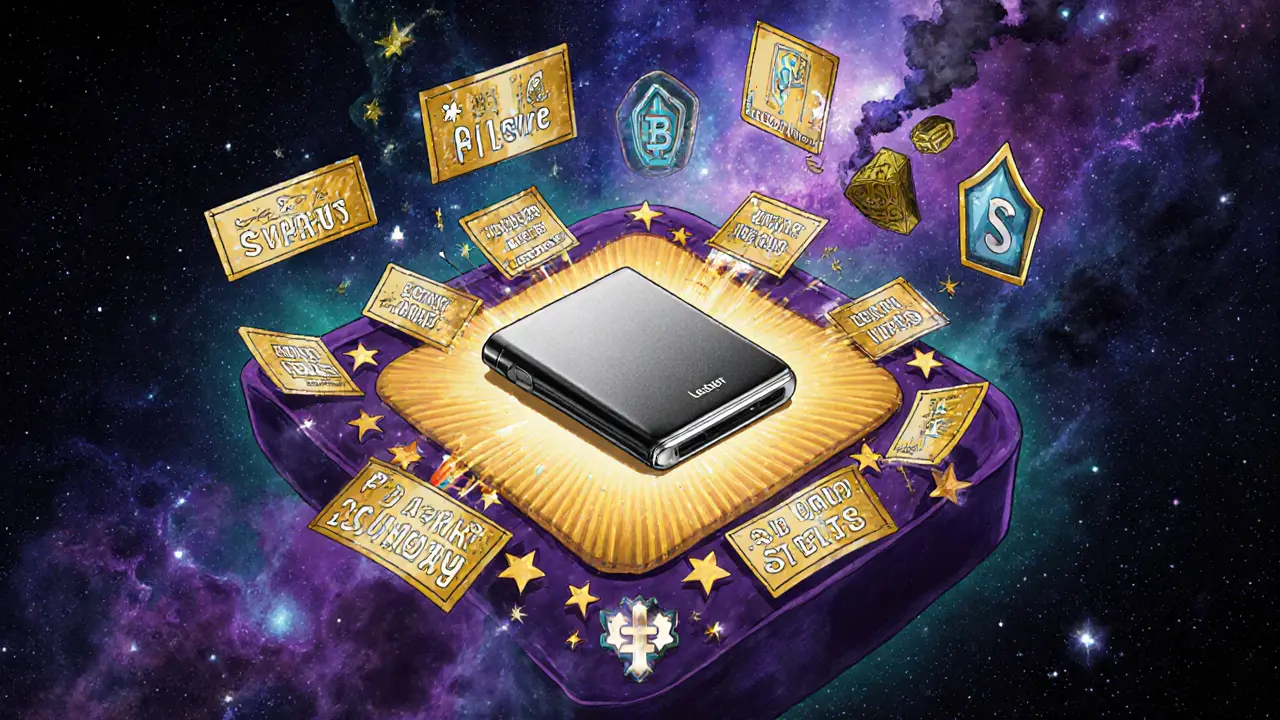
Custodial vs. Non-Custodial: Who Really Owns Your Keys?
There’s another layer to wallet types: custody. Custodial wallets mean someone else holds your private keys. Coinbase Wallet, Binance Wallet, and Kraken Wallet are examples. You log in with your email and password. The company controls the keys. It’s convenient - you can reset your password, get help if you’re locked out, and even buy crypto directly inside the app. But here’s the problem: “Not your keys, not your coins.” If Coinbase gets hacked, goes bankrupt, or decides to freeze your account, you lose access. You’re trusting a company with your life savings. In 2022, FTX’s collapse showed how dangerous this can be. Thousands lost everything because they kept their crypto on an exchange. Non-custodial wallets - like MetaMask, Exodus, or Ledger - put you in full control. You own the keys. You’re responsible for everything. No one can freeze your funds. No one can reverse your transactions. But if you mess up, there’s no refund button. Most experts agree: use custodial wallets only for short-term trading or small amounts. For anything you plan to hold for more than a few months, go non-custodial.Which Wallet Should You Use? It Depends on Your Goals
There’s no one-size-fits-all answer. Your wallet choice should match your behavior. If you’re a daily trader - swapping tokens, staking, or using DeFi apps - a hot wallet like MetaMask or Zengo makes sense. Zengo is especially good for beginners. It uses biometric authentication (face or fingerprint) instead of seed phrases. No writing down words. No risk of losing a paper. It’s called “keyless” security, and it’s growing fast. If you’re a long-term holder - buying Bitcoin or Ethereum and planning to hold for years - use a hardware wallet. Ledger Nano X or Trezor Model One are the top picks. Store your recovery phrase in a fireproof safe. Don’t take a photo. Don’t store it in the cloud. Write it on metal and keep it offline. If you’re investing $10,000 or more, go hardware. JP Morgan’s 2025 report found that 82% of crypto holdings over $10,000 are stored in hardware wallets. That’s not an accident. It’s smart risk management. If you’re new to crypto and want to learn without fear, start with Exodus. It’s beginner-friendly, supports 50+ blockchains, and has a built-in exchange. You can swap Bitcoin for Ethereum without leaving the app. It also integrates with Trezor hardware wallets, so you can upgrade later without moving funds.
What’s Changing in 2025 and Beyond
Wallet tech is evolving fast. Ledger released the Nano Flex in September 2025 with Bluetooth 5.2 and a customizable E Ink screen. MetaMask added passwordless login using ERC-6492, letting users sign in with their phone instead of passwords. Zengo is rolling out social recovery - if you lose your device, you can recover your wallet by asking three trusted friends to approve the reset. But there are dangers. Security researcher Dan Guido found a critical flaw in firmware update systems across three major wallets in 2025. Hackers could trick users into installing malware disguised as a “security update.” Always download wallet software only from official websites. Never click links in emails. Regulations are tightening too. The EU’s MiCA law, effective since December 2024, forces wallet providers to collect user identities. That’s good for compliance but bad for privacy. Some non-custodial wallets now limit features for EU users to avoid legal risk. And then there’s quantum computing. It’s not a threat today, but experts warn that in 10-15 years, quantum machines could break today’s encryption. Wallets using newer cryptographic standards like Lattice-based cryptography are already being tested. For now, stick with hardware wallets - they’re the safest option we have.Final Checklist: Choosing Your Wallet
- For daily use (under $500): Use MetaMask or Zengo. Enable biometrics. Never reuse passwords.
- For long-term holding ($1,000+): Use Ledger Nano X or Trezor Model One. Write down your seed phrase. Store it offline.
- For beginners: Start with Exodus. It’s simple, supports many coins, and lets you upgrade to hardware later.
- Never store your seed phrase on your phone, email, or cloud. Paper or metal is best.
- Never trust a wallet you downloaded from a third-party site. Only use official sources.
- Test small transactions first. Send $1 to confirm your wallet works before moving large amounts.
Crypto wallets are tools - not magic. They don’t protect you from yourself. The most dangerous hacker isn’t a foreign actor. It’s you, forgetting your password or sharing your recovery phrase. Stay cautious. Stay informed. And always remember: if it seems too easy, it probably is.
What’s the difference between a hot wallet and a cold wallet?
A hot wallet is connected to the internet, making it easy to send and receive crypto quickly - but also vulnerable to hacking. A cold wallet is offline, meaning it’s not exposed to online threats. Hardware wallets like Ledger and Trezor are cold wallets. Hot wallets include MetaMask, Trust Wallet, and exchange wallets.
Are hardware wallets worth the cost?
Yes, if you hold more than $1,000 in crypto. Hardware wallets cost between $49 and $179, but they’ve prevented billions in losses. In 2024, only 6% of all crypto thefts came from hardware wallets. For long-term holdings, they’re the safest option available.
Can I use one wallet for all my crypto?
Most modern wallets support multiple blockchains. MetaMask handles Ethereum, Polygon, and BSC. Exodus supports 50+ chains. Ledger supports over 5,500 cryptocurrencies. You don’t need separate wallets for each coin - just one that supports the networks you use.
What happens if I lose my hardware wallet?
If you still have your 12- or 24-word recovery phrase, you can restore your wallet on any new device - even a different brand. If you lost the phrase, your crypto is gone forever. There’s no way to recover it. That’s why writing it down securely is the most important step in crypto ownership.
Is MetaMask safe for storing large amounts of crypto?
No. MetaMask is a hot wallet and designed for active trading, not long-term storage. It’s convenient for DeFi and NFTs, but it’s vulnerable to phishing, browser exploits, and malware. Keep large amounts in a hardware wallet and use MetaMask only for small, active balances.
What’s the safest way to store my recovery phrase?
Write it on metal using a steel engraving tool and store it in a fireproof safe. Never take a photo, store it in a cloud note, or email it to yourself. Paper can burn or fade. Digital copies can be hacked. Metal is durable and offline - that’s the gold standard.
Do I need a wallet if I buy crypto on Coinbase?
You don’t need one immediately, but you should move your crypto off Coinbase if you plan to hold it long-term. When you buy crypto on Coinbase, they hold the keys. That means they control your assets. If they freeze your account or go under, you lose access. For true ownership, use a non-custodial wallet.
Can I use a hardware wallet with my phone?
Yes. Ledger Nano X and Trezor Model T support Bluetooth and can connect to mobile apps. You can approve transactions directly from your phone without plugging in a USB cable. This makes hardware wallets more convenient than ever while keeping your keys offline.
Puspendu Roy Karmakar
November 27, 2025 AT 04:44Hot wallets are great for quick swaps, but man, I’ve seen too many people lose everything because they clicked a fake link. I use MetaMask for small trades, but anything over $200? Straight to my Ledger. No debate.
Evelyn Gu
November 28, 2025 AT 03:23I just started getting into crypto last year, and I was so overwhelmed-I kept thinking I needed to buy a hardware wallet right away, but then I realized, if I’m just experimenting with $50 here and there, why risk the hassle? I’ve been using Trust Wallet, enabled biometrics, and I double-check every URL-like, I literally type in uniswap.org myself, no clicking links-and so far, so good. I’m not brave enough to hold big amounts yet, but I feel way more confident now that I understand the difference between hot and cold. Also, the part about writing the seed phrase on metal? That’s genius. I’m ordering a steel plate this week.
Ben Costlee
November 29, 2025 AT 19:35Let’s be real-most people don’t care about private keys until they lose them. And by then, it’s too late. I’ve helped three friends recover from phishing scams, and every single one of them said, ‘I thought it looked real.’ That’s not their fault-it’s the design of the internet. That’s why I preach: use hardware wallets for anything you can’t afford to lose, and use non-custodial hot wallets only for what you’re willing to lose. And never, ever store your recovery phrase on your phone. I’ve seen people take screenshots of it and upload it to Google Photos. That’s like locking your house and leaving the key under the mat… but with Bitcoin.
Mark Adelmann
November 30, 2025 AT 08:33Exodus is my go-to for beginners. It’s clean, doesn’t scare you with tech jargon, and you can swap tokens without jumping through hoops. I got my mom on it last month-she’s 68, never used crypto before-and she’s now holding some ETH and SOL. She even asked me if she should get a hardware wallet. I told her, ‘Not yet. Wait until you’re ready to stop treating it like a game.’ The fact that it connects to Trezor later is huge-no need to move funds, just upgrade. Smart design. Also, I love that it doesn’t force you to write down a 24-word phrase right away. Takes the pressure off.
ola frank
December 1, 2025 AT 23:16While the article presents a pragmatic taxonomy of wallet types, it fundamentally underestimates the epistemological vulnerability inherent in user-centric key management paradigms. The assumption that ‘you are your own bank’ presupposes a cognitive and operational literacy that is statistically anomalous among the general population. Furthermore, the normalization of hardware wallets as the ‘gold standard’ obscures the systemic risk of single-point-of-failure recovery phrases-an artifact of pre-quantum cryptographic primitives. The emerging ERC-6492 and social recovery models represent not merely convenience, but a necessary evolution toward distributed trust architectures. Until we transition to threshold signatures or MPC-based wallets, we are merely delaying inevitable losses through ritualistic seed phrase transcription. The real issue isn’t user error-it’s the design of the system itself.